Get a free RFID card for EV charging in Europe
The easyCharging RFID key tag lets you start and stop charging at compatible stations without opening the app. Our free RFID card comes as a key tag, so you can keep it with your car keys.
- Free — we cover production and delivery
- Posted to you in up to 21 days
- Charging sessions are paid — check the price in the app
Download the app, then order under Profile → Charging methods.

How to get your free RFID tag
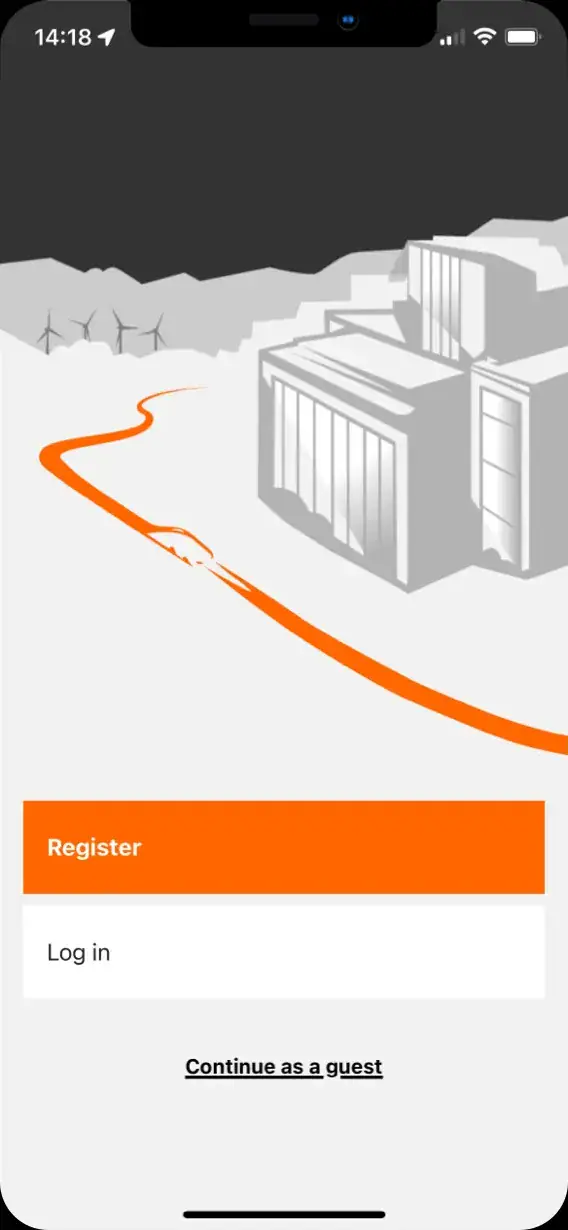
Register in the app
Download the easyCharging app and create your account. Confirm your email before ordering your RFID key tag.
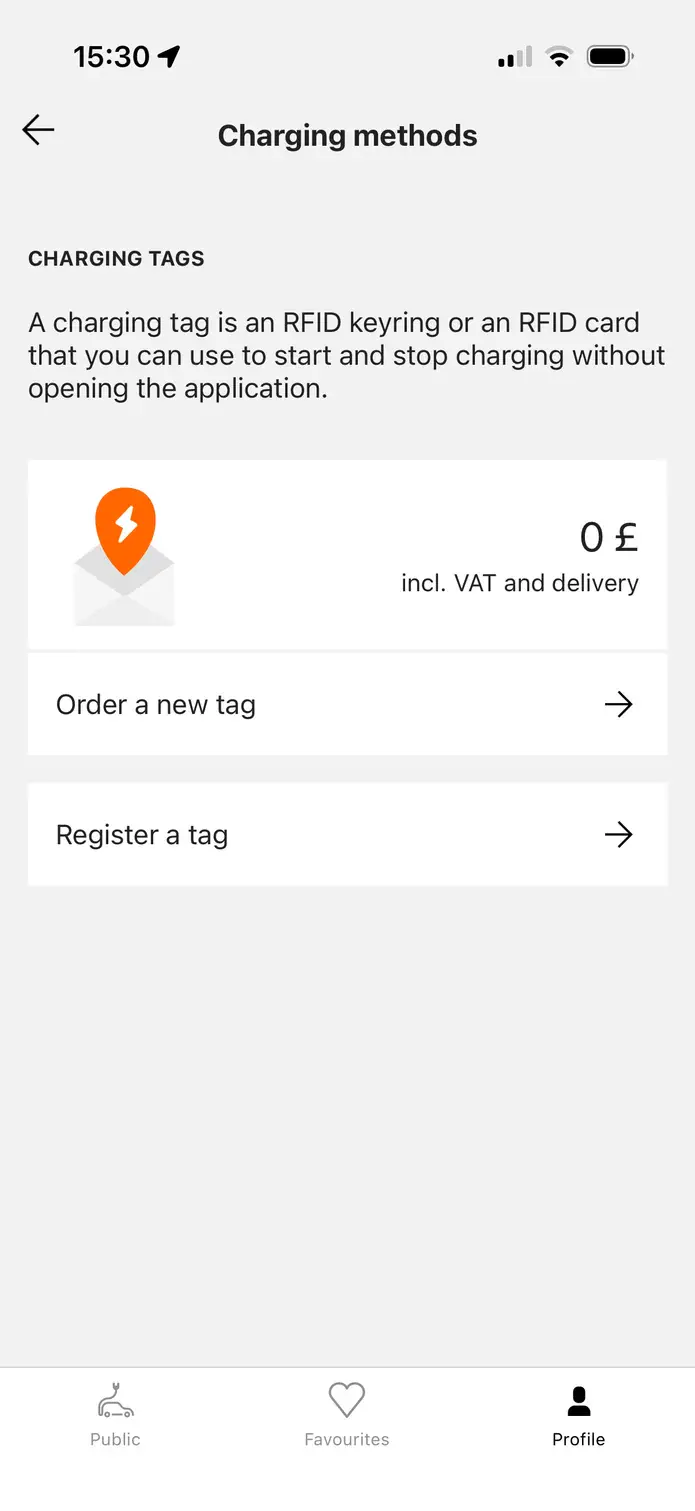
Order RFID key tag
Go to . The tag is completely free — we cover production and delivery.
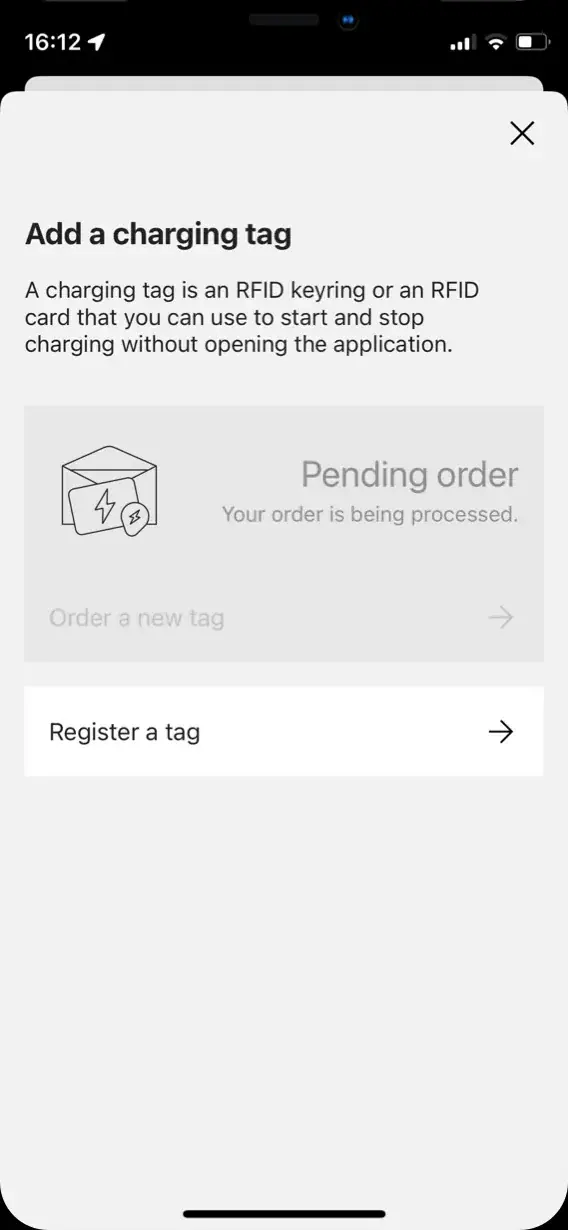
Wait for delivery
Delivery can take up to 21 days depending on your location.
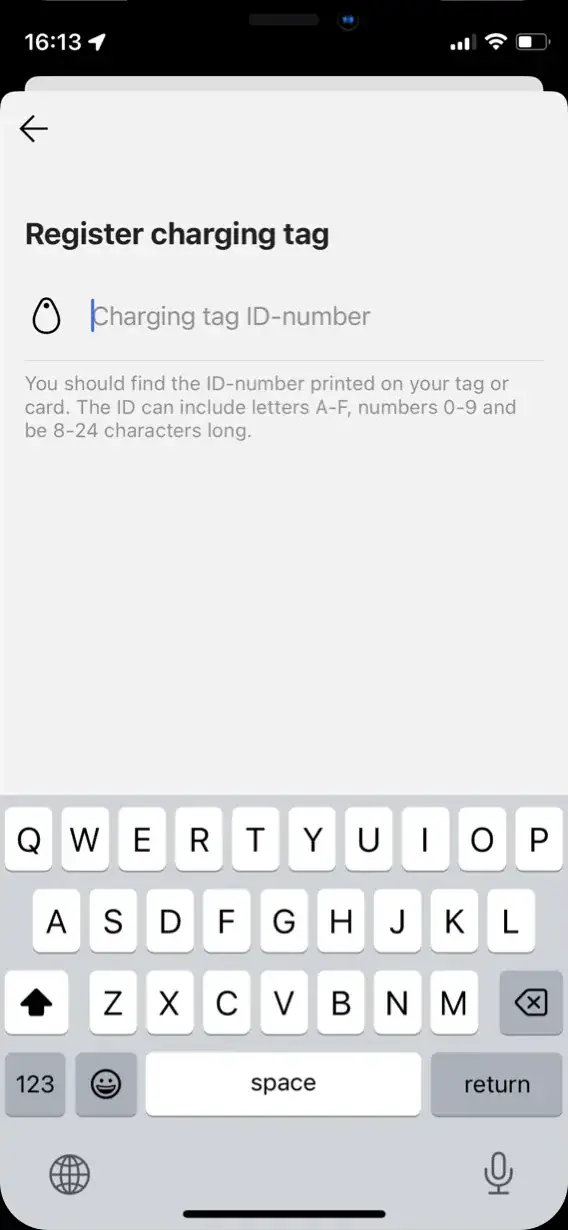
Register your tag
After delivery, open and enter the ID printed on your tag. Once registered, use it at a compatible station and follow the charger’s instructions to start and stop your session.
Tap the tag and the charge starts
Keep the tag on your keys and use the app to check stations, prices and receipts.
Start charging with a tap
Hold your activated tag against the RFID reader and follow the instructions on the charger. At compatible stations, you can start a session without opening the app on your phone.
Check the price before you charge
The tag and delivery are free. Charging sessions are paid at the price shown in the easyCharging app for your chosen connector. Check that price and any time-based fees before starting; your receipts stay in the app.
Check RFID support before you travel
RFID support varies by station. Check the station details in the app before you set off, and use our charging map to plan your route. A tag does not guarantee that every charger can start a session.
Explore our extensive network
The easyCharging app gives you access to a network of 900,000+ charging points across Europe. RFID activation is available at participating stations; check the station details in the app before relying on your tag.
easyCharging currently operates in twelve core markets — the United Kingdom, France, Germany, Spain, Switzerland, Denmark, Austria, Belgium, the Netherlands, Italy, Sweden and Portugal. Beyond them, the app works at participating charging points across Europe.


Frequently Asked Questions
How do I get a free easyCharging RFID card?
Our RFID card comes as a key tag. Download the easyCharging app, create your account and confirm your email. Then open Profile → Charging methods → Order RFID key tag and check your postal address. The tag and delivery are free; delivery can take up to 21 days depending on your location.
Is the RFID key tag free, and what do I pay for charging?
The key tag and its delivery are free. Charging sessions are paid. Check the price and any time-based fees for the selected connector in the easyCharging app before starting a session.
How do I activate my RFID key tag?
Once it arrives, open Profile → Charging methods → Register a tag in the easyCharging app and enter the ID printed on the tag. Complete registration before using it at a charging station.
Where can I use the easyCharging RFID card?
Use it at participating charging stations that support easyCharging RFID activation. The app’s overall network size does not mean every charging point accepts the tag. Check the station details in the app and use our charging map to plan your trip.
How do I use the tag, and what if it is not recognised?
Follow the instructions on the charger and hold the activated tag against its RFID reader to start or stop your session. If it is not recognised, check that the tag is registered in your account and that the station supports easyCharging RFID. Try app activation if available, or contact support with the station details.
How do I track RFID charging sessions and payments?
RFID charging sessions are linked to your easyCharging account. Open Profile → Receipts in the app to view your completed sessions, payment breakdowns and PDF receipts.